So first, I created an account in Zipgrade. Then, I created customized answer sheets for different exams.
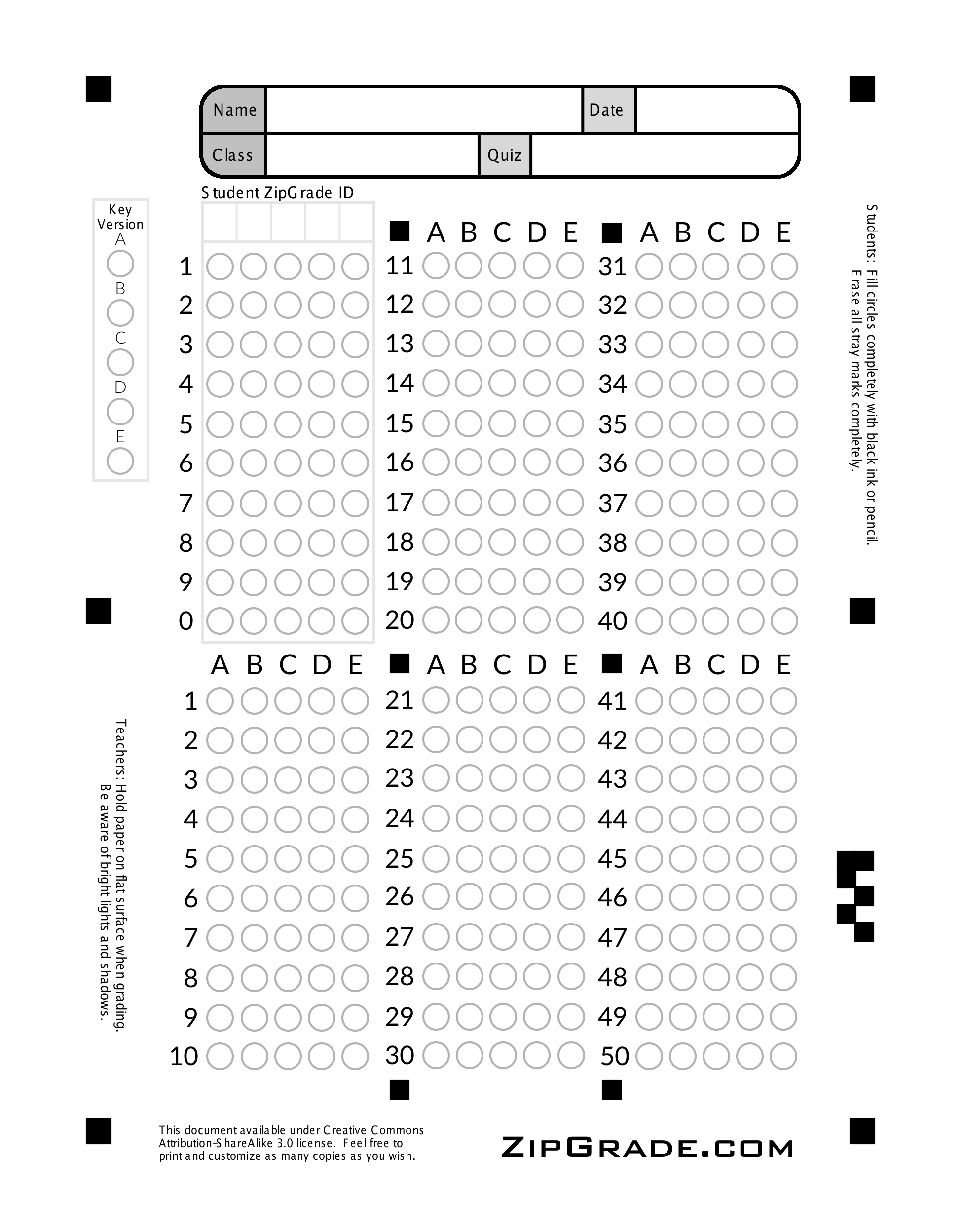
This is an example of a 50-item answer sheet. The only available answer sheets in Zipgrade are 20, 50, and 100 items. To create your own answer sheet, go to their website, then look for customize answer sheet. And when linking it to the quiz you have made, you need to select the correct answer sheet used.
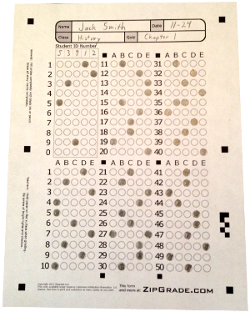
This is an example of an answered worksheet ready for checking. To check the paper, go to the zipgrade app installed in your smartphone. Scan the paper by putting the 4 black squares under the scanning phone, then wait until it checks the paper.
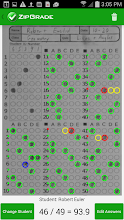
This is how a checked paper looks like. Very time saving app! One more thing, the result will be uploaded in the teacher's database.

No comments:
Post a Comment